Physical Address
304 North Cardinal St.
Dorchester Center, MA 02124
Physical Address
304 North Cardinal St.
Dorchester Center, MA 02124

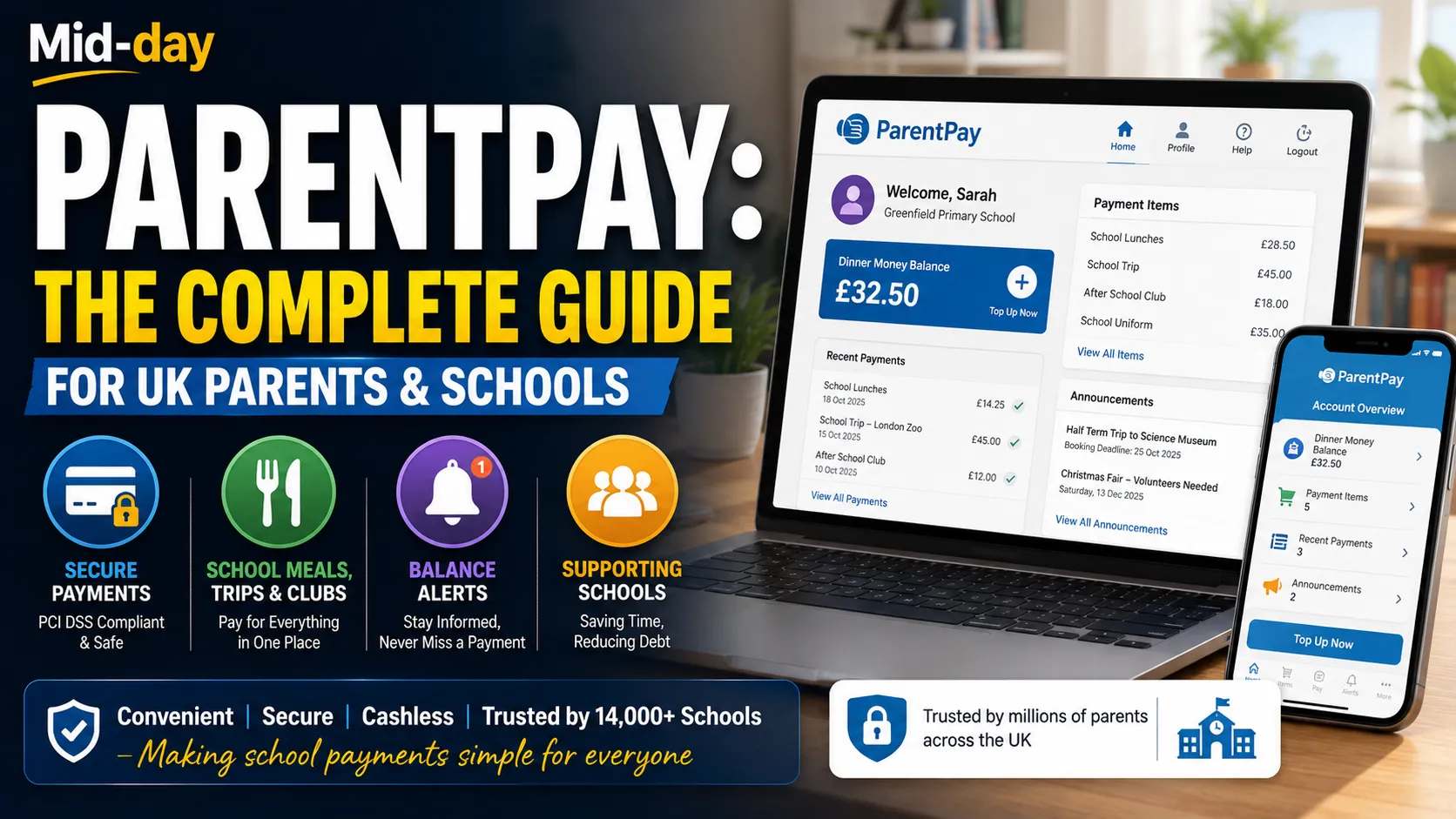
If you have a child at a UK school, you have almost certainly heard of ParentPay. You may have received an activation letter, logged in to pay for a school trip, or topped up your child’s dinner money account. But what exactly is ParentPay, how does it work, and what do you need to know as a parent?
This guide covers everything you need to know about ParentPay. Whether you are a parent setting up your account for the first time, a school administrator considering the system, or simply someone who wants to understand how online school payments work, you will find practical information and clear explanations throughout.
ParentPay i? How UK’s leading online payment system for schools. It is a secure platform that allows parents to pay for school meals, trips, clubs, uniforms, and other school-related items online. The system replaces cash and check payments, making it easier for parents and reducing administrative work for schools.
ParentPay Group provides services to over 14,000 schools across 200 local authorities in the UK. It manages over £1.25 billion per year in online payments and communicates with 3 million families. Over 4 million parents use ParentPay to make secure payments.
The system is used by schools, multi-academy trusts, local authorities, and caterers across the country. It is the market leader in online school payment services in the UK.
ParentPay is a web-based platform. Parents log in through the ParentPay website using a username and password provided by their child’s school. Once logged in, parents can see all available payment items for their children, add items to a basket, and pay securely using a debit or credit card.
The system supports multiple payment methods. Parents can pay by card, bank transfer, or through PayPoint, which allows cash payments at local shops. This flexibility ensures that families without easy internet access or bank accounts can still use the system.
ParentPay also offers features like Auto-Top Up, which automatically adds funds to a child’s meal account when the balance runs low. Parents can pay for all their children in one transaction, even if they attend different schools.
ParentPay offers several advantages for families.
Convenience: You can make payments whenever and wherever you like, 24 hours a day, 7 days a week. There is no need to send your child to school with cash or cheques.
Security: The system is fully PCI DSS compliant, meaning it meets the highest standards for payment card security. Your financial information is protected.
Visibility: You can see exactchecks.your child has been buying for lunch and view a complete history of all payments you have made. This helps you keep track of spending.
Flexibility: You can pay for multiple children in one transaction, even if they attend different schools. You can also set up email alerts to notify you when your balance is running low or when a new item is available for payment.
Refunds: If an event is cancelled, refunds can be processed automatically back to your ParentPay account.
Schools benefit significantly from using ParentPay. The system saves staff time, reduces debt, and improves financial oversight.
Time savings: Teachers and admin staff no longer need to collect cash, count money, or chase payments. At The Diamond Primary School, teachers saved around an hour each week that was previously spent collecting cash and marking meal choices. St. Peter and St. Paul CE Primary School reported saving hours of admin time every week.
Reduced debt: Schools can easily see which payments are outstanding and send reminders directly through ParentPay. This has led to a significant reduction in debt at many schools.
Improved accuracy: Cash and checks can be lost between the classroom and the office. ParentPay eliminates this risk and provides a comprehensive audit trail of all transactions.
Paperless processes: Schools can reduce paper usage by sending payment requests and consent forms electronically rather than printing letters for pupils to take home.
Integration: ParentPay integrates with school management information systems and cashless catering providers. This reduces the workload for finance teams.
Setting up a ParentPay account is straightforward. Follow these steps.
Step 1: Receive your activation letter
Your child’s school will send you an activation letter. This contains a unique username and password. If you have not received a letter, contact your school office.
Step 2: Visit the ParentPay website
Go to www.parentpay.com
Step 3: Log in and activate your account
Enter the username and password from your letter in the Account Login box at the top right of the screen. Click ‘Active’.
Step 4: Choose your own login details
On the next screen, you can change your username and password to something you will remember. Enter your email address and add a security question and answer.
Step 5: Complete activation
Click ‘Continue’ to complete the activation process. Your account is now active, and you can start making payments.
If you already have a ParentPay account for another child or school, you do not need to create a new account. Simply log in to your existing account and use the ‘Add a child’ feature to link your other children.
Once your account is active, making a payment is simple.
Log in to www.parentpay.com. You will see items available for payment for your child or children. These might include school meals, trips, clubs, or uniforms.
Select the item you want to pay for. Enter the amount you wish to pay (between the minimum and maximum set by the school) and select ‘Add to Basket.’ You can continue shopping and add more items to your basket.
When you are ready to pay, select ‘View Basket and Pay.’ Review your payment and select ‘Pay Now.’ If you have a stored card on your account, you can select it and enter only the security code. If not, you can enter your card details on the secure payment page.
Select ‘Review Payment’ and then ‘Make Payment’ to complete the process.
If you cannot pay online, ParentPay offers an alternative through PayPoint. PayPoint is a network of shops and convenience stores where you can make cash payments.
To use PayPoint, contact your school and request a PayPoint card. You can then take this card to any PayPoint store and make a payment in cash. The funds will be credited to your child’s ParentPay account.
ParentPay allows you to set up email and text message alerts. These can notify you when your balance is running low, when a new item is available for payment, or when a payment is due.
To set up alerts, log in to your account and navigate to Profile > Alert Settings. You can configure each available alert notification option.
Note that text alerts cost 6p per text. You will need to top up your ParentPay Text Balance to receive SMS alerts. Emaitext balance free.
Like any online system, ParentPay can occasionally present challenges. Here are some common issues and how to resolve them.
I have not received my activation letter. Contact your child’s school directly. They can issue a new letter or provide your activation details.
I have forgotten my username or password. Use the ‘Forgotten your login details? ‘ link on the ParentPay login page. If you cannot reset your details online, contact your school.
I cannot see an item I want to pay for. Contact the school office. They may need to add the item to the system.
My payment is not showing on my child’s account. There may be a delay in processing. If the issue persists, contact your school. They can check whether the transaction has been received.
I need a refund. If you have paid for something by mistake or an event has been cancelled, contact your school. They can process a refund back to your ParentPay account.
I am having technical problems with the website. Check that your browser is up to date and that you have JavaScript and cookies enabled. If problems continue, contact ParentPay support or your school.
ParentPay takes security seriously. The system is ISO 27001, PCI DSS Level 1, and Cyber Essentials Plus accredited. This means it meets the highest standards for information security and payment card processing.
However, parents should be aware of fraudulent activity. In 2025, a fake ParentPay app appeared in the Apple App Store. ParentPay does not have an official app available for download from any app store. To use ParentPay, parents should always visit www.parentpay.com directly from a mobile phone or computer browser.
If you are ever contacted by someone claiming to be from ParentPay and you are unsure, contact the school or ParentPay directly on 0845 257 5540.
For schools considering ParentPay, the implementation process is supported by a dedicated team. ParentPay offers web-based training, project management, onsite training, and a support documentation library.
Schools can switch to ParentPay even if they are in contract with another provider. ParentPay offers a deferred payment option, allowing schools to join and not pay until their existing contract ends.
The system integrates with all market-leading management information systems and cashless catering providers. ParentPay also offers training and advice to help schools get parents on board.
Support is available via email, online ticketing, and telephone. Telephone support is available from 8:30am to 4:30pm, Monday to Friday. The average wait time for calls to the support team is just 47 seconds.
ParentPay has transformed how UK schools handle payments. Schools that have adopted the system report significant improvements in efficiency, accuracy, and parent satisfaction.
The move to cashless payments is not just about convenience. It is about safeguarding. Handling large amounts of cash in schools creates risks of loss, theft, and error. ParentPay eliminates these risks and provides a clear audit trail for every transaction.
The system also supports inclusivity. By offering PayPoint as an option, ParentPay ensures that families who cannot or do not wish to pay online can still use the system. This is particularly important for schools serving diverse communities.
Integration with other systems is a key advantage. ParentPay feeds directly into school finance systems and cashless catering tills, reducing the need for manual data entry and reconciliation. This saves time and reduces the risk of errors.
“ParentPay is only for school meals.” ParentPay can be used for all types of school payments, including trips, clubs, uniforms, fundraising, donations, and equipment.
“ParentPay has an app.” ParentPay does not have an official app. Parents should always access the system through the ParentPay website.
“ParentPay is difficult to use.” The system is designed to be user-friendly. Most parents find it straightforward once their account is activated.
“I need a bank account to use ParentPay.” No. You can pay by card or through PayPoint using cash.
“ParentPay is expensive for parents.” ParentPay is a free service for parents. There are no charges for using the system.
For parents:
For schools:
ParentPay has become an essential part of school life in the UK. It simplifies payments for parents, saves time for school staff, and provides a secure, efficient way to manage school income. With over 14,000 schools and 4 million parents using the system, it is the clear market leader in online school payments.
Whether you are paying for school meals, booking a trip, or buying a uniform, ParentPay makes the process quick and convenient. By following the steps in this guide, you can set up your account, make payments, and get the most out of the system.
If you have not yet activated your ParentPay account, contact your child’s school today and get started.
What is ParentPay?
ParentPay is the UK’s leading online payment system for schools. It allows parents to pay securely for school meals, trips, clubs, uniforms, and other school items.
How do I get a ParentPay account?
Your child’s school will send you an activation letter with a username and password. You use these to activate your account on the ParentPay website.
Is ParentPay free for parents?
Yes. ParentPay is a free service for parents.
Does ParentPay have an app?
No. ParentPay does not have an official app. Always access the system through the ParentPay website at www.parentpay.com.
Can I pay for all my children in one transaction?
Yes. You can pay for all your children in one transaction, even if they attend different schools.
What if I cannot pay online?
You can pay through PayPoint, which allows you to make cash payments at local shops. Contact your school to request a PayPoint card.
How do I get a refund?
Contact your school. They can process a refund back to your ParentPay account.
What should I do if I forget my password?
Use the ‘Forgotten your login details? ‘ link on the ParentPay website. If you cannot reset it, contact your school.
Is ParentPay secure?
Yes. ParentPay is ISO 27001, PCI DSS Level 1, and Cyber Essentials Plus accredited, meeting the highest standards for security.
Who do I contact if I have a problem?
Contact your child’s school first. They can help with most issues. For technical problems, you can also contact ParentPay support.
Read More: School Grid UK: School Meals, NGfL & Grid References Guide





[…] Read More: ParentPay Guide: How to Use the UK School Payment System […]