Physical Address
304 North Cardinal St.
Dorchester Center, MA 02124
Physical Address
304 North Cardinal St.
Dorchester Center, MA 02124

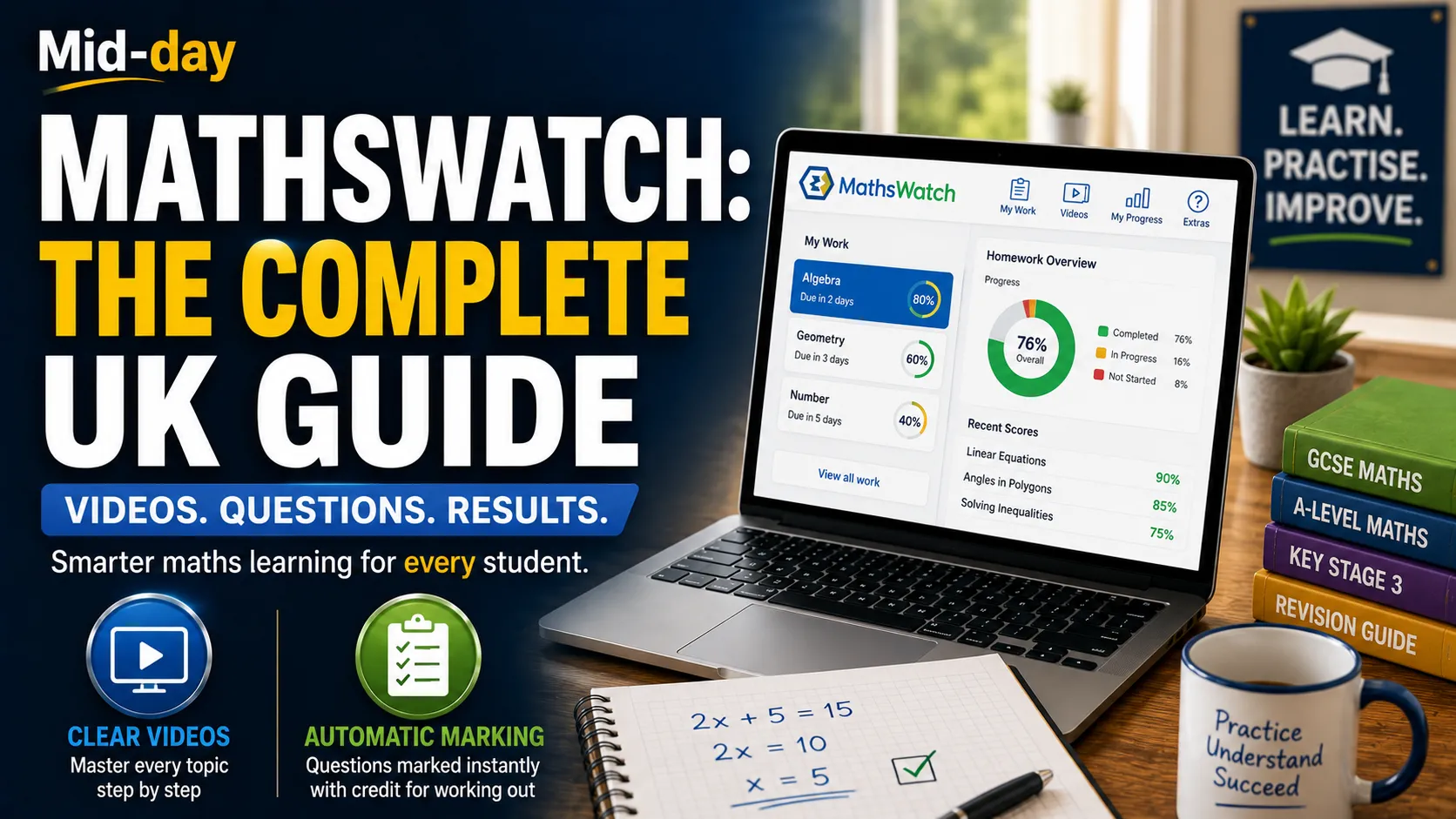
If your child has come home with a MathsWatch login, or if your school is considering switching to a new online maths platform, you have probably found yourself wondering what it is and how it works. With so many digital tools available, from Sparx Maths to MyMaths, it can be hard to know what actually makes a difference.
MathsWatch has quietly become one of the most trusted maths platforms in UK schools, growing largely through word of mouth between maths departments rather than flashy marketing. Used by over 2,000 schools and 1.5 million students worldwide, it was ranked No. 1 in the 2026 BusinessCloud EdTech 50. Its approach is refreshingly straightforward: high-quality video tutorials, interactive questions, and automatic marking that gives credit for working out, not just final answers.
This guide covers everything UK parents, students, and teachers need to know about MathsWatch: what it is, how to log in, key features, pricing, and how it compares to other platforms.
MathsWatch is a complete online maths platform that makes learning available to students 24/7 from anywhere in the world. It supports teachers’ delivery of the math curriculum while drastically reducing their workload.
The platform was launched in September 2016 and is fully responsive, meaning it works consistently well on mobiles, tablets, and desktops. It is based in Oswestry, Shropshire, and was founded in 2007.
MathsWatch provides teachers and students with high-quality videos covering every maths topic, combined with banks of interactive questions that can be used for classwork, homework, assessment, or independent learning. It covers Key Stage 3, GCSE, and A-Level content, making it suitable for students aged 11 to 18.
The heart of MathsWatch is its library of video tutorials, known as “clips.” These are short instructional videos that break down each topic step by step, providing clear explanations and demonstrating example questions. Students can watch them repeatedly, making them particularly useful for topics they find challenging.
Each week, students can watch the one-minute videos for each topic. Once they have watched the videos and understood the topics, they tick the completed box. If they do not understand the topic, they can click on the Full Version tab and watch the longer version.
After watching a video, students can tackle interactive questions on that topic. These questions are marked automatically, providing instant feedback. If a student gets a question wrong, they are allowed retries, helping them understand the material more effectively.
MathsWatch has a revolutionary feature that sets it apart from most other platforms: its innovative marking algorithms give marks for working out, not merely for final answers. This makes the experience much more realistic and beneficial to students than traditional quiz-setting platforms. Teachers can see exactly how students have worked out their answers and give them credit for their thinking process.
Teachers can set customized or pre-created assignments with deadlines. Once students submit their homework, teachers can see their exact answers. If a student gets something wrong, the teacher can see where they made a mistake and help them understand it better.
MathsWatch offers high-quality, curriculum-aligned videos explaining all maths topics, with one-minute summary clips and full-length versions. The videos cover the full range of GCSE topics, including bearings, probability, simultaneous equations, and error intervals.
The platform contains thousands of exam-style and multiple-choice questions with automatic online marking. Students receive instant feedback on their performance.
MathsWatch offers modeled exam papers for GCSE, IGCSE, and SATs. These shadow versions of real past papers provide students with the best possible preparation before their final exams. Students can see their grade progression as they advance and clearly identify their strengths and areas of development.
Teachers can monitor student and class performance through live data stats and RAG (Red, Amber, Green) analysis, highlighting areas needing attention. This provides accurate, real-time tracking of student performance across all topics.
In addition to online questions, MathsWatch offers printable worksheets for further practice.
Teachers can export a special report for each homework assignment, showing how students did on each question. This helps teachers see where students might need more help or practice.
Students can practice independently with instant feedback and exam-style question practice. The platform supports self-paced learning, revision, and exam preparation, making it a valuable tool for improving math skills and confidence.
MathsWatch helps students secure each topic after class with exam-style questions and the choice of a recap video. Questions can be corrected, helping students see their mistakes and build confidence.
The instant feedback system points out errors and allows retries, helping students understand topics more effectively instead of relying on external answer sheets.
MathsWatch can be accessed 24/7 from any device with an internet connection. This makes it ideal for revision at home, on the go, or during holidays.
This is one of the most frequently cited benefits. MathsWatch significantly reduces teacher workload by automating marking and providing instant feedback to students, eliminating hours of manual grading. As one teacher put it, “Homework is a major timesaver as it’s quick to set, and I can focus on errors as it gets marked.”
MathsWatch provides a comprehensive scheme of work, eliminating the need for heads of department to create one from scratch.
Teachers can easily set homework, classwork, past papers, or tests without needing to individually mark them. “The ability to set homework and the self-marking system reduces the workload for my team.”
Looking at pupil scores on homework tasks helps at parents’ evenings and with pupil grades.
Tracking is quick, including good data for feedback to parents.
According to EdTech Impact data, 90% of users reported improved attainment with MathsWatch. “Pupils who engage with MathsWatch on a regular basis perform better in assessments.”
80% of users reported that MathsWatch reduces the attainment gap. The platform allows students to work at their own independent pace, so students with different needs can apply themselves at a time and duration that matches their learning preferences.
82% of users reported that MathsWatch provides valuable school data. The platform provides accurate, real-time tracking of student performance, which enhances the reliability of attainment records.
MathsWatch is offered at one of the most competitive price points currently on the market. As the company puts it, “Good EdTech should not cost the earth.”
To log into MathsWatch as a student,
You will be presented with your “My Work” section after you successfully log in. Here, you can see the list of tasks assigned to you by your teacher along with their due dates.
Students typically have a username similar to their school email address. For example, if their name is Ann Other and their school email address is 20aother@jogschool.org, their MathsWatch login will be 20aOther@jogschool.
If your school has opted for a generic password for all its students, it is strongly recommended that you change it after your first login.
You can also log in with your Google account.
If you forget your password, use the forgotten password option on the login page. You will need to enter your username or email address to receive reset instructions.
For quick access, you can add a MathsWatch icon linking straight to the login page from your homescreen. This is available on both iOS and Android devices.
“My Work” shows any work that has been set by the teacher, along with due dates and scores for assignments already completed.
“Videos” allows you to search for a short video to watch. You can select GCSE or KS3, search for a topic or a clip number, or filter by grade. Once you have selected a clip, you can play the video, which will explain the topic, give examples, and give some questions to have a go at.
“Extras” has information and tips on how to use the website.
The progress made is recorded in My Progress. This is self-guided learning.
For general practice or revision rather than choosing a particular topic, students can search for topics one or two grades above or below their current level.
MathsWatch is known for being one of the most affordable platforms on the market.
Some schools ask for a voluntary contribution from parents, typically around £5 per student to cover materials over a three-year period.
Both platforms are widely used in UK schools. Some schools have switched from MathsWatch to Sparx Maths, citing Sparx’s personalized homework tailored to each student’s attainment level and working speed. However, others prefer MathsWatch for its straightforward approach and lower cost.
One key difference is that MathsWatch gives marks for working out, not just final answers, which Sparx Maths does not. Some users find Sparx “less irritating than trying to get the right answers inputted on MyMaths or MathsWatch,” while others describe both as similar in their approach.
Both are established platforms, but MathsWatch’s ability to award marks for working out sets it apart from MyMaths, which typically only marks final answers.
Maths Genie offers free resources, while MathsWatch is a paid platform with additional features like automatic marking and detailed progress tracking.
MathsWatch has received overwhelmingly positive reviews on EdTech Impact, with a rating of 4.9 out of 5 from 137 verified reviews.
On reducing workload:
“MathsWatch significantly reduces teacher workload by automating marking and providing instant feedback to students, eliminating hours of manual grading.”
“Work can be set on Mathswatch and automatically marked, with the teacher able to view marks and usage easily.”
On improving attainment:
“In my experience, Mathswatch is one of the most effective mathematics learning platforms available. It supports teachers, empowers students to learn independently, and has a significant positive impact on student attainment.”
“Those pupils who regularly use Mathswatch independently to revisit topics or strengthen their skills usually perform better on assessments.”
On exam preparation:
“Our modeled exam papers (GCSE/IGCSE/SATs) are indeed the best practice a student can have before their real math exams.”
Misconception 1: Mathswatch only gives marks for final answers.
MathsWatch is actually the only platform worldwide able to give marks for working out, not merely for final answers.
Misconception 2: Mathswatch is just a quiz platform.
MathsWatch is a complete learning platform with video tutorials, interactive questions, modeled exam papers, and detailed progress tracking.
Misconception 3: Mathswatch is expensive.
MathsWatch is offered at one of the most competitive price points on the market, with primary packages starting at £150 per year.
Misconception 4: Students can just guess the answers.
The platform’s algorithm marks working out; meaning, students need to show their mathematical thinking to earn full marks.
MathsWatch has established itself as one of the UK’s most trusted online maths platforms, and for good reason. Its combination of high-quality video tutorials, interactive questions, and revolutionary marking algorithms makes it a powerful tool for students, teachers, and schools alike.
What sets MathsWatch apart is its focus on genuine mathematical understanding. By giving marks for working out, not just final answers, it encourages students to show their thinking and learn from their mistakes. Its affordability and ease of use have made it a favorite among math departments, with growth driven largely by word of mouth.
For students preparing for GCSEs or A-Levels, for teachers looking to reduce their workload, and for schools seeking an effective, cost-efficient maths solution, MathsWatch is well worth considering.
MathsWatch is an online maths platform that provides video tutorials, interactive questions, and automatic marking for students from KS3 to GCSE and A-Level. It is used by over 2,000 schools and 1.5 million students worldwide.
Go to vle.mathswatch.co.uk, enter your username and password, and click login. You can also log in with your Google account.
Use the forgotten password option on the login page. Enter your username or email address to receive reset instructions.
MathsWatch is a paid platform, but it is offered at one of the most competitive price points on the market. Primary packages start at £150 per year. Some schools ask for a voluntary contribution from parents, typically around £5 per student.
MathsWatch supports students from Key Stage 3 to GCSE and A-Level, typically ages 11 to 18.
MathsWatch’s innovative marking algorithms give marks for working out, not merely for final answers. This makes it the only platform worldwide able to do this.
Yes. MathsWatch is fully responsive and works consistently well on mobile phones, tablets, and desktops.
Both are popular platforms. MathsWatch gives marks for working out and is more affordable. Sparx Maths offers personalized homework tailored to each student’s attainment level. Some schools use one, some the other, and some use both.
Teachers can export reports for parents’ evenings. Parents should speak to their child’s teacher for specific progress updates.
MathsWatch covers GCSE, IGCSE, and SATs through its modeled exam series. It is aligned with the UK national curriculum.
Read More: Daily 10: The Complete Guide to the Topmarks Maths Tool





[…] Read More: MathsWatch: The Complete UK Guide for Students, Parents, and Teachers […]