Physical Address
304 North Cardinal St.
Dorchester Center, MA 02124
Physical Address
304 North Cardinal St.
Dorchester Center, MA 02124

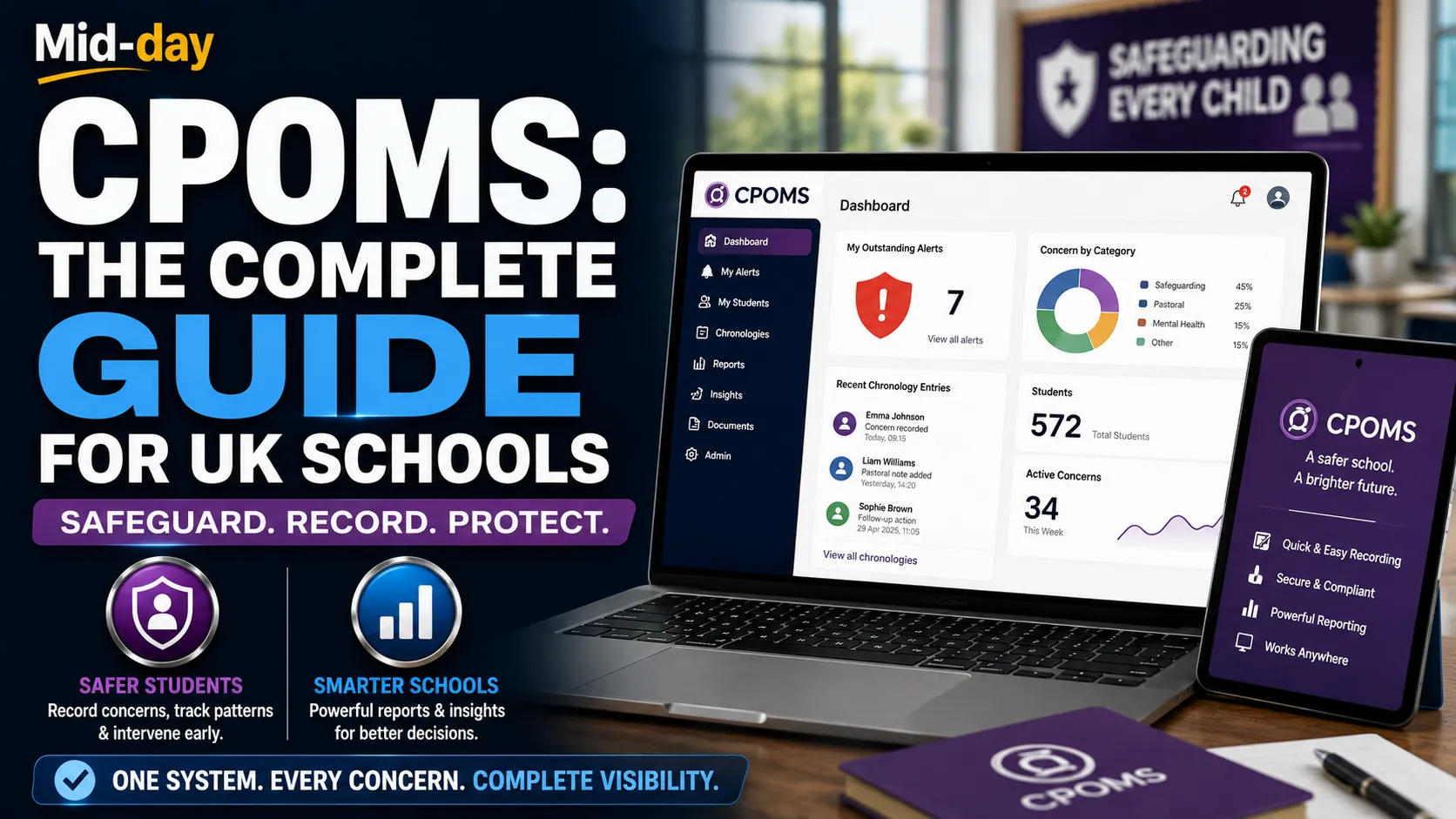
If you work in a UK school, you know how challenging safeguarding can be. The statutory requirements are extensive, the stakes are high, and the paperwork can feel overwhelming. Keeping track of every concern, every incident, and every intervention across hundreds of students is a monumental task, especially when relying on paper-based systems.
CPOMS was created to solve exactly this problem. It is a digital safeguarding platform that helps schools record, track, and analyze child protection and well-being concerns in one secure place. Used by over 20,000 settings worldwide, CPOMS has become the market leader in safeguarding software.
This guide explains everything UK schools need to know about CPOMS: what it is, how it works, its key features, the products available, pricing, and how it can transform your school’s safeguarding practice.
CPOMS (Child Protection Online Management System) is a digital software application designed to help schools monitor child protection, safeguarding, pastoral, and welfare concerns for pupils. It provides a secure, centralized place to log, store, and retrieve safeguarding information.
The system allows staff to record concerns about students quickly and easily, building a comprehensive chronology of each child’s experiences. This makes it much easier to spot patterns and identify children who may need help.
CPOMS is headquartered in Skipton, North Yorkshire, and was founded in 2011. On 5 October 2021, the company was acquired by Raptor Technologies, a US-based leader in school safety solutions.
CPOMS allows you to analyze your safeguarding data with just a few clicks. The reporting system is intuitive and requires no training. You can generate summary numbers for governors, Ofsted, Estyn, or ISI inspections instantly.
Every concern logged in CPOMS is automatically added to a student’s chronology. This creates a complete, date-stamped record of all safeguarding information held on a child. Staff from across the school can add information, allowing senior leaders to take appropriate follow-up action.
CPOMS can be tailored to meet your school’s exact needs. You decide what categories of information to monitor, and new categories can be added in seconds. This flexibility means you can record child protection information as well as notes about interventions for Pupil Premium students or those with SEN.
When a child transfers to your school or moves on, their full child protection history can move automatically through CPOMS (with appropriate consent). If the other school does not use CPOMS, you can easily download everything to pass on.
CPOMS uses intelligent role-based access to control who can see what information. Access can be tiered to reflect the needs of your setting. When a staff member reports a concern, senior leaders can share detailed information securely.
CPOMS can be accessed from any device with an internet connection and displays neatly across tablets and smartphones. This means busy staff can record concerns immediately, even from home.
CPOMS integrates with leading management information systems (MIS), preventing the need to enter data twice. It adds specialist safeguarding functionality to your existing MIS.
All incidents, actions, and key transactions are time, date, and user stamped, maintaining a complete audit trail.
CPOMS offers a range of products designed to cover every aspect of safeguarding:
This is the core product and the market-leading software application for monitoring child protection and safeguarding. StudentSafe supports your school’s processes for monitoring child protection, safeguarding, pastoral, and welfare concerns for pupils. It helps you bring all student information together in a secure, centralized place.
StaffSafe allows schools to capture low-level concerns, meet compliance requirements, and record welfare information on all school personnel. It provides an easy-to-use way to upload, record, and govern information about adults working within the setting.
Engage simplifies the sharing of sensitive pupil chronologies across settings for collaborative care. It connects schools, Multi-Academy Trusts (MATs), local authorities, and external agencies, securely sharing information to close communication gaps.
Insight is a powerful data visualization tool for safeguarding and wellbeing data, built specifically for Multi-Academy Trusts. It brings school-level data into a single, comprehensive reporting dashboard, enabling trust leaders to identify emerging issues and implement timely interventions.
VisitorSafe gives schools a secure, connected way to manage visitors while linking relevant activity directly to student safeguarding records.
CPOMS significantly reduces the administrative burden of safeguarding. One senior teacher reported that “behavior analysis is greatly reduced.” By streamlining recording and reporting, staff can focus more time on supporting students.
By making it easier to spot patterns and identify concerns early, CPOMS enables earlier intervention. As one user noted, “As behavior is quickly analyzed and root causes can be identified, this enables the appropriate solutions to be put in place, thus improving the quality of pupils’ lives and their overall well-being.”
CPOMS helps schools demonstrate robust safeguarding during inspections. One school reported that during a recent safeguarding audit and an Ofsted inspection, “inspectors were very happy with our record-keeping systems.”
CPOMS provides a secure way to share safeguarding information with the right people at the right time. This is particularly valuable when students transfer between schools or when working with external agencies.
Through products like CPOMS Engage, schools can collaborate more effectively with local authorities and other settings, ensuring a joined-up approach to safeguarding.
By eliminating the need for double data entry and providing instant reporting, CPOMS saves significant time for safeguarding leads and administrative staff.
Ashley Primary School used CPOMS StudentSafe to create one secure place to record, share, and review safeguarding and well-being concerns. The school found that staff knew exactly how and when to report, confident that information would be logged consistently, accurately, and securely.
CPOMS Insight helps MATs dissolve data silos and unify safeguarding concerns across multiple schools into one intuitive platform. This provides trust leaders with the critical information needed to implement effective interventions.
CPOMS StudentSafe helps nurseries create a comprehensive narrative of each child’s experiences, enabling early identification of children who need help. The software is highly intuitive, allowing practitioners to easily log incidents and concerns.
Even sports clubs use CPOMS. One club reported that CPOMS is “invaluable at providing chronological reports and also allowing the early identification of trends, issues, and changes of behavior from the norm.”
CPOMS pricing starts from £530 per year. Customers who purchase CPOMS StudentSafe and CPOMS StaffSafe at the same time are entitled to a 50% reduction on the list price of CPOMS StaffSafe.
For specific pricing tailored to your school’s needs, it is best to contact CPOMS directly for a quote.
Once CPOMS has all the information needed, customers are usually set up within two weeks. The process of switching from paper or an alternative provider is handled by the CPOMS Technical Team.
CPOMS offers training in person; live online; through webinars, documentation, and videos. The system is designed to be used by a wide range of staff, regardless of their technical proficiency.
CPOMS customer support is based at the company’s head office in Skipton. Support is available by phone, email, knowledge base, and FAQs. For international schools, there is a team that works international hours.
In July 2025, CPOMS announced a partnership with A Star Attendance Solutions to streamline school attendance and safeguarding management. The collaboration removes the need for double data entry by combining attendance tracking and safeguarding into one platform. This gives staff a more holistic view of each pupil, supporting earlier intervention.
CPOMS has also partnered with Lightspeed Alert, an AI-driven system that proactively identifies students in crisis. This integration strengthens the ability to identify and support at-risk students.
Misconception 1: CPOMS is just for recording serious safeguarding incidents.
CPOMS is used to record a wide range of concerns, from low-level worries to serious child protection issues. This broad approach helps identify patterns before they escalate.
Misconception 2: CPOMS replaces your MIS.
CPOMS complements existing MIS systems like SIMS, Arbor, and Bromcom by adding specialist safeguarding functionality.
Misconception 3: CPOMS is difficult to use.
CPOMS is designed to be intuitive and requires no training for basic reporting. Staff can start using it immediately.
Misconception 4: CPOMS is only for schools.
CPOMS is used by nurseries, colleges, charities, sports clubs, and local authorities.
While CPOMS is not a full MIS system like SIMS, Arbor, or Bromcom, it integrates with these systems to provide specialist safeguarding functionality. Many schools use CPOMS alongside their MIS, with CPOMS handling safeguarding and well-being while the MIS manages attendance, timetabling, and other core functions.
For Multi-Academy Trusts, CPOMS Insight provides trust-wide data visualization that goes beyond what most MIS systems offer.
Before adopting CPOMS, consider what you need from a safeguarding system. Do you need to track low-level concerns? Do you need to share data across a MAT? Do you need integration with your existing MIS?
CPOMS offers demonstrations to help schools see the system in action. This is the best way to understand how it would work for your setting.
Allow time for training and data migration. CPOMS’s technical team handles the switch from paper or alternative providers.
CPOMS is most effective when all staff use it consistently. Ensure everyone understands how and when to log concerns.
Take advantage of CPOMS’s customization features to tailor categories, forms, and alerts to your school’s specific needs.
If you have a MAT, consider CPOMS Insight for trust-wide oversight. If you manage visitors, CPOMS VisitorSafe provides integrated safeguarding.
CPOMS has established itself as the market leader in safeguarding software for UK schools. Its comprehensive product suite, user-friendly design, and commitment to data security have made it the trusted choice for over 20,000 settings worldwide.
For schools struggling with paper-based safeguarding systems or fragmented digital approaches, CPOMS offers a unified solution that saves time, improves outcomes, and provides robust evidence for inspections. By bringing all safeguarding information into one secure, centralized place, CPOMS helps ensure that no child slips through the net.
In an era where safeguarding is more important than ever, CPOMS provides the tools schools need to protect their students effectively and efficiently.
CPOMS stands for Child Protection Online Management System. It is a digital safeguarding platform for schools and other settings.
CPOMS is used by over 20,000 settings worldwide, including nurseries, primary and secondary schools, colleges, charities, sports clubs, and local authorities.
CPOMS pricing starts from £530 per year. A 50% discount is available on CPOMS StaffSafe when purchased with CPOMS StudentSafe.
No. CPOMS complements existing MIS systems by adding specialist safeguarding functionality. It integrates with systems like SIMS, Arbor, and Bromcom.
CPOMS provides instant reporting and a complete audit trail of safeguarding concerns, helping schools demonstrate robust safeguarding during inspections.
Yes. CPOMS can be accessed from any device with an internet connection, including tablets and smartphones.
Once all information is provided, customers are usually set up within two weeks.
CPOMS offers phone support, email support, a knowledge base, FAQs, and training via in-person sessions, live online sessions, webinars, documentation, and videos.
Yes. CPOMS implements role-based access controls and maintains comprehensive audit trails to ensure data protection compliance.
CPOMS Insight is a data visualization tool for multi-academy trusts that brings school-level safeguarding data into a single, comprehensive dashboard.
Read More: Hit the Button: The Complete Guide to the Topmarks Maths Game





[…] Read More: CPOMS: The Complete UK Guide to Safeguarding Software for Schools […]