Physical Address
304 North Cardinal St.
Dorchester Center, MA 02124
Physical Address
304 North Cardinal St.
Dorchester Center, MA 02124

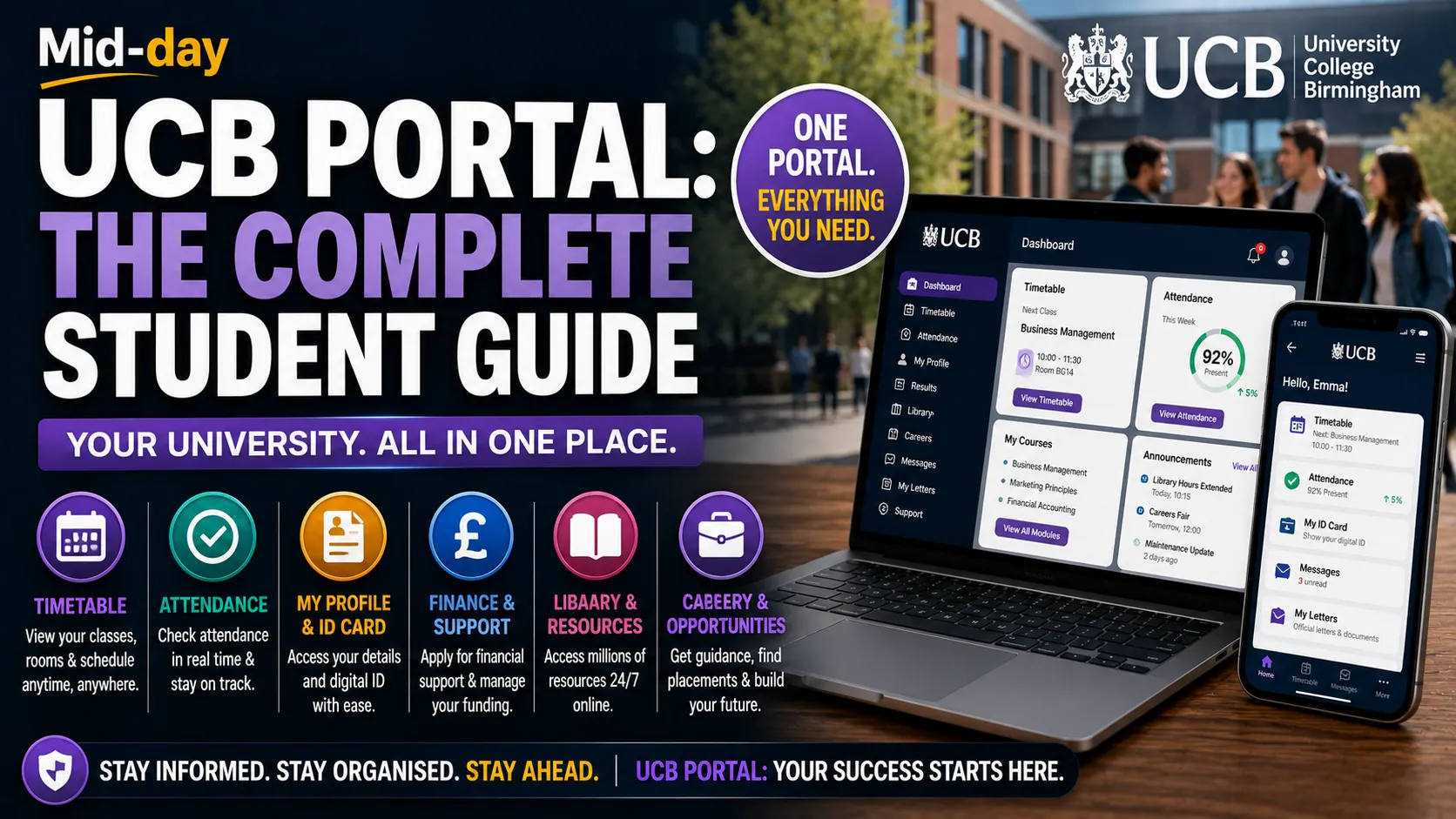
Starting university or college brings excitement, but it also comes with a fair amount of admin. New students often find themselves juggling timetables, emails, coursework deadlines, attendance records, and financial aid applications, all while trying to settle into a new city.
University College Birmingham (UCB) recognized this challenge and created the UCB Portal: a central digital hub that brings everything together in one place. Whether you are a new student trying to register, a returning student checking your timetable, or someone applying for financial support, the portal is designed to make your life easier.
This guide explains everything you need to know about the UCB Portal: what it is, how to access it, what you can do with it, and how to get help if you run into problems.
The UCB Portal is the central online platform for students and staff at University College Birmingham. It provides access to a range of essential services and information, all from one dashboard.
The portal is part of UCB’s commitment to using technology to enhance the student experience. It reduces the need to visit different websites or offices for different tasks, saving you time and reducing frustration.
Think of it as your digital home base during your time at UCB. From enrollment to graduation, the portal is where you will manage most of your student administration.
When you receive an offer from UCB, the Admissions team sends you an email and text message with a unique link to complete your online registration. The portal is where this process happens.
If you have studied at UCB before, you may already be able to log in. Otherwise, you will need to set up your student account during registration.
Once registered, you access the Student Dashboard through the portal. This is your command center for university life. From here, you can:
Applications for financial support for college students are done online via the financial support portal. The first time you use it, you must register using your student ID number.
When applying, you need to provide evidence of your household income, so have this ready before you start. Applications are through the portal only; UCB does not offer paper forms or accept email submissions of evidence.
The portal includes a “My Letters” feature where you can access official documents. You can view, download, print, or share letters, including:
These letters are generated automatically, saving you the hassle of requesting them from an office.
The UCB Portal provides 24/7 access to the online library, which contains over 150 million digital resources. You can also find information about library services and get support from academic librarians.
Through the portal, you can access hired@UCB, the impartial careers, employability, and placements service. This includes careers guidance, support finding placements, employability skills resources, and access to Unitemps, an on-site recruitment agency.
If you are a new student, you will receive an email and text message from the Admissions team with your unique registration link and your UCB Student ID.
Follow these steps:
If you have not received your email or text message, contact the Admissions team at 0121 604 1040 or complete the inquiry form on the UCB website.
If you have studied at UCB before, you may already be able to log in with your existing credentials.
If you forget your password, email itsu@ucb.ac.uk with the following:
UCB also offers a mobile app called U@UCB, available on both Google Play and the Apple App Store.
The app is designed for students and staff of University College Birmingham and requires a valid UCB login and password.
The U@UCB app gives you mobile access to:
The app is particularly useful for checking your next class on the go or finding a free PC on campus.
The portal is where you complete your enrollment each year. After online registration, you must upload documents to the Student Dashboard, including:
All UCB systems will use the name on your official documentation.
You can check your on-campus attendance figures for every module throughout the academic year. This helps you stay on top of your attendance requirements and identify any issues early.
The portal provides access to module reading lists and other online resources. This means you can prepare for your classes without needing to visit the library in person.
College students can apply for financial support through the dedicated financial support portal. This includes bursaries and help with the cost of travel, equipment, and other essentials.
The application process is straightforward but requires evidence of household income. The team aims to process applications within 10 working days.
University students can access all their exam and coursework results through the portal. This means you do not have to wait for results to be posted or emailed separately.
The My Letters feature lets you generate official documents instantly, including bank letters and confirmation of student status.
Through the portal, you can find contact information for various support services, including:
For portal login issues or technical problems, contact the IT Support team at itsu@ucb.ac.uk.
For questions about financial support applications, contact:
If you have not received your registration email or text, call the Admissions team on 0121 604 1040 or complete the inquiry form on the UCB website.
For issues with the U@UCB app, email appdevelopment@ucb.ac.uk.
If you are a returning student, you should already be able to log in with your existing credentials. However, for financial support, you need to reapply each year, as funding does not carry over automatically.
Email itsu@ucb.ac.uk with your full name, student ID number, address, and course.
Yes. The U@UCB app gives you mobile access to most portal features.
Applications are done online via the financial support portal. The first time you use it, register using your student ID number.
You need to upload your ID card photo, proof of identity, residence evidence (if applicable), qualification documents, and any evidence of a name change.
The team aims to process applications within 10 working days. This may be longer during peak times or if there are issues with your evidence.
Yes. The U@UCB app and portal are for both students and staff of University College Birmingham.
Some students delay their online registration, not realizing it is the first part of enrollment. Complete it as soon as you receive your link to avoid delays.
Your UCB Student ID is essential for registration, financial support applications, and accessing the portal. Make a note of it and keep it somewhere safe.
When applying for financial support, you need evidence of your household income. Having this ready before you start will speed up the process.
Do not email your documents during enrollment. All documents must be uploaded through the Student Dashboard.
When uploading your ID card photo, avoid using filters. Keep it professional.
As soon as you receive your registration email, complete the online registration process. This gives you access to all portal features and avoids last-minute stress.
The app gives you mobile access to your timetable, attendance, and other key information. It is particularly useful for checking your next class or finding a free PC on campus.
Make it a habit to log in to the portal regularly. Check for updates, view your attendance, and stay on top of any tasks you need to complete.
Funding is not guaranteed, so apply as soon as possible. The application window for the 2025/26 academic year opens on 1 August 2025.
Ensure your contact details are up-to-date so you do not miss important communications about your application or enrollment.
Instead of requesting letters from an office, use the My Letters feature in the portal to generate official documents instantly.
The UCB Portal is an essential tool for every student at University College Birmingham. It simplifies the administrative side of university life, giving you more time to focus on your studies and enjoy your time in Birmingham.
From enrollment to graduation, the portal is where you will manage your timetable, track your attendance, apply for financial support, access your results, and connect with support services. The U@UCB app extends these features to your phone, so you can stay connected wherever you are.
If you run into any issues, support is available through IT, admissions, and student services. The key is to get set up early, check the portal regularly, and take advantage of everything it offers.
Your time at UCB should be about learning, growing, and making the most of your opportunities. The portal is here to handle the admin, so you can focus on what really matters.
The UCB Portal is the central online platform for students and staff at University College Birmingham. It provides access to timetables, attendance records, financial support applications, official letters, library resources, and more.
New students receive an email and text message with a unique registration link. Returning students can log in with their existing credentials. If you forget your password, email itsu@ucb.ac.uk.
The U@UCB app is the mobile version of the student dashboard, available on Google Play and the Apple App Store. It provides access to timetables, attendance, student profiles, reading lists, and more.
College students apply for financial support online via the financial support portal. Register using your student ID number and provide evidence of your household income.
You need to upload your ID card photo, proof of identity, residence evidence (if applicable), qualification documents, and any evidence of a name change.
Yes. The U@UCB app provides mobile access to most portal features.
For login issues or technical problems, email itsu@ucb.ac.uk. For app issues, email appdevelopment@ucb.ac.uk.
The team aims to process applications within 10 working days. This may be longer during peak times.
Yes. The U@UCB app and portal are for both students and staff of University College Birmingham.
My Letters allows you to generate official documents instantly, including bank letters, confirmation of student status, and international status letters.
Read More: TALAXY School Management System: UK Guide & Review





[…] Read More: UCB Portal: The Complete Student Guide for University College Birmingham […]