Physical Address
304 North Cardinal St.
Dorchester Center, MA 02124
Physical Address
304 North Cardinal St.
Dorchester Center, MA 02124

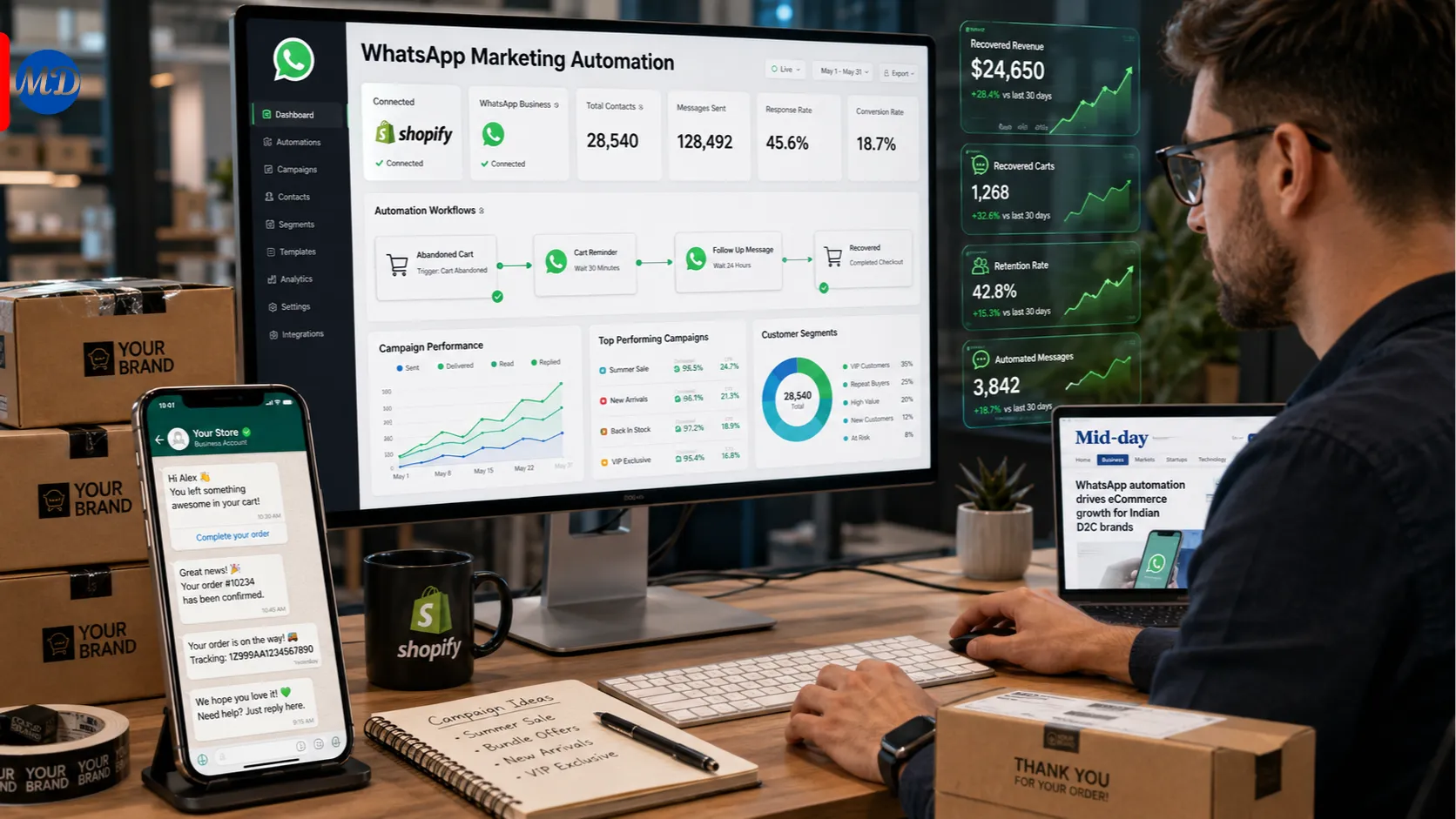
If your Shopify store relies on email for cart recovery, order updates, and promotions, you have probably noticed the open rates are not what they used to be. WaSend takes a different approach, moving that same kind of automated messaging onto WhatsApp, a channel customers actually check. This guide explains exactly what WaSend is, how it works inside Shopify, what it can realistically do for a store, and what to check before relying on it for revenue-critical messaging.
WaSend is a WhatsApp marketing automation app built specifically for Shopify stores. It connects a merchant’s WhatsApp Business account to their Shopify store, allowing automated and campaign-based messages to be sent to customers directly through WhatsApp rather than email or SMS.
The app is developed by Trust1.io and is listed on the Shopify App Store, where it currently appears under the name TrustShop: WhatsApp Marketing, with WaSend used as the product’s working name across its own marketing site and within the app experience itself. The app launched on the Shopify App Store on 27 October 2025.
The core pitch is straightforward: get started with WaSend in a few clicks, connect a WhatsApp Business account, build a campaign, and begin engaging customers, all from inside the Shopify store admin, without requiring custom code.
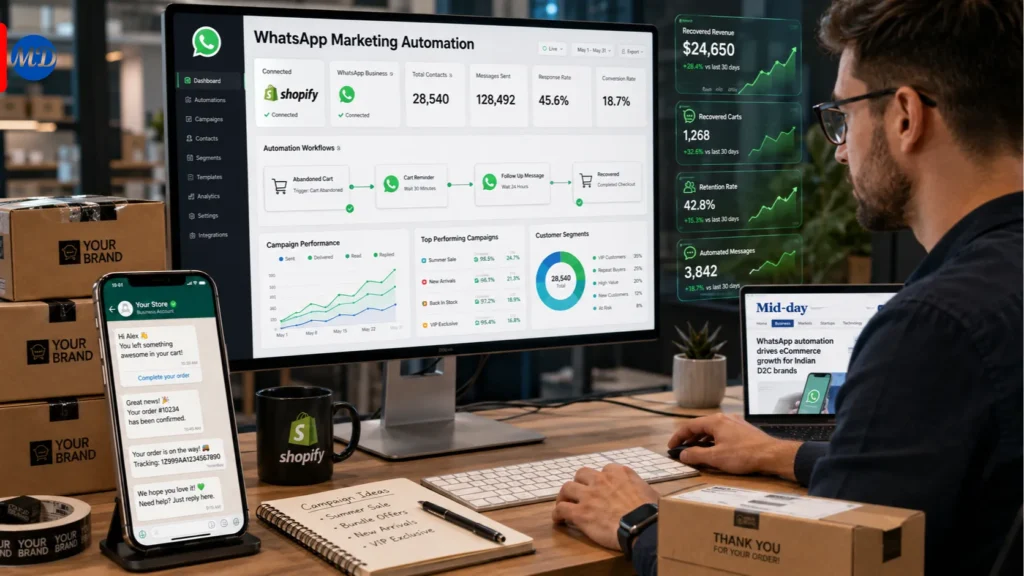
The setup process is designed to be fast. According to the app’s own description, merchants can securely sync their account with Meta in minutes and have a working integration in around three minutes total, without writing any code.
This connection links the merchant’s WhatsApp Business account, managed through Meta Business Suite, to their Shopify store data, enabling the app to trigger messages automatically based on store events like a placed order, an abandoned checkout, or a fulfilled shipment.
Once connected, WaSend allows merchants to build personalized automation flows using customer segmentation and behavior-based triggers. According to the app’s official Shopify listing, core automation use cases include:
WaSend provides built-in message templates that merchants can use directly or customize for their own brand voice. This reduces the setup burden for merchants who do not want to write WhatsApp-compliant message templates from scratch, since WhatsApp Business messaging requires templates to be submitted and approved through Meta’s system for certain message types.
After building a campaign, merchants can go live and monitor engagement in real time from within the app, allowing visibility into how a specific promotional push or automation flow is performing as it runs.
Based on the app’s official Shopify App Store listing, the core feature set includes:
WaSend is positioned specifically for Shopify merchants, rather than as a general-purpose WhatsApp marketing tool for any type of business. This narrower focus shapes both its strengths and its natural audience.
Merchants already familiar with Shopify Flow and Meta Business Suite appear to get the most value with the least friction. One verified merchant review specifically noted that if you are already familiar with Shopify Flow for email automation and have experience managing WhatsApp Manager via Meta Business Suite, getting started with WaSend is straightforward and efficient, and the app feels intuitive for users who understand these ecosystems.
Stores looking to add a second messaging channel beyond email are a natural fit, particularly given how much higher WhatsApp open and response rates tend to be compared to email for many audiences, especially in markets where WhatsApp is the dominant personal messaging app.
Merchants in markets with high WhatsApp adoption, such as India, Brazil, and large parts of Southeast Asia, the Middle East, and Latin America, are likely to see the strongest relative benefit, since customer willingness to engage with business messages on WhatsApp varies significantly by region.
Because WaSend is a relatively new app on the Shopify App Store, available feedback is currently limited, but the early reviews provide useful, specific insight rather than generic praise.
One verified review from a healthcare and skincare merchant in India described a positive overall experience, noting that the onboarding process was smooth and that setting up triggers, message templates, and automation flows worked as expected without complications. The same review noted that the self-serve configuration and automation capabilities were strong enough to complete implementation successfully, even without needing direct customer support contact during setup.
The same reviewer also flagged a specific area for improvement: a more detailed and precise analytics dashboard, particularly for tracking message performance, conversions, and automation effectiveness, would add significant value in future updates. In response, the WaSend team indicated that enhanced tracking for message performance, conversions, and automation effectiveness is already on their roadmap.
A second review from the same merchant highlighted a notably hands-on onboarding experience, specifically praising direct, personal support from the company’s founder during setup, including proactive follow-up and support extended outside standard hours.
The WhatsApp marketing app space on Shopify has grown quickly, with multiple apps offering broadly similar core functionality. Understanding how WaSend’s positioning differs helps clarify where it fits.
| App | Core Focus | Notable Strength | Consideration |
|---|---|---|---|
| WaSend (TrustShop) | Cart recovery, order updates, promotional campaigns | Familiar workflow logic for Shopify Flow users, fast setup | The analytics dashboard is still developing based on early feedback |
| Trust1: WhatsApp Marketing | Similar automation and campaign tools | Hands-on, founder-led onboarding support reported by early users | Newer app with a smaller review base |
| Wapshark | Order notifications, marketing campaigns, AI chatbot options | Broader feature set including AI sales agent options on higher tiers | Higher-tier features may require more setup investment |
| Raselbot | Abandoned cart recovery, AI agent automations | Establish a review base and API access | May offer more complexity than smaller stores need |
The most useful distinction for merchants evaluating these options is the balance between simplicity and depth. Apps positioned around fast setup and familiar Shopify Flow style logic, like WaSend, tend to suit merchants who want WhatsApp automation working quickly without a steep learning curve, while apps offering AI chatbot layers or deeper API access suit merchants with more complex, custom messaging needs.
A few considerations are worth weighing carefully before adopting any WhatsApp marketing automation tool, WaSend included.
WhatsApp Business API compliance matters more than most merchants realize. Any tool sending automated WhatsApp messages at scale must operate within Meta’s WhatsApp Business Platform policies, including template approval requirements for certain message types and rules around customer opt-in. Before fully relying on any WhatsApp marketing app, confirm how it handles template submission and approval, since delays or rejections at the Meta level can directly affect campaign timing.
Analytics maturity is a genuine differentiator at this stage of the app’s lifecycle. Since the available, verified feedback specifically flags the analytics dashboard as an area still being developed, merchants who rely heavily on granular campaign performance data for decision-making should weigh this gap against their reporting needs, particularly if attribution and conversion tracking are central to how they evaluate marketing spend.
Early-stage apps can mean closer support, but also less proven scale. The pattern of direct, founder-level support reported in early reviews is a genuine advantage for merchants who value responsiveness during setup, but it is also typical of any newly launched app with a small user base. Larger, more established merchants with complex automation needs may want to weigh this against apps with a longer track record and larger review base.
Regional customer behavior should inform expectations. WhatsApp engagement and open rates vary meaningfully by country and customer demographic. Merchants should set realistic expectations based on where their actual customer base is located, rather than assuming uniformly high engagement simply because WhatsApp messaging in general tends to perform well compared to email.
Sending promotional messages without proper opt-in. WhatsApp Business messaging policies require appropriate customer consent for marketing messages. Skipping this step risks account restrictions from Meta, independent of what the Shopify app itself allows technically.
Treating WhatsApp automation as a direct replacement for all email marketing. WhatsApp and email serve different purposes and customer expectations. Transactional and time-sensitive messages, such as cart recovery and shipping updates, tend to perform especially well on WhatsApp, but broader nurture and content marketing may still belong in email for many stores.
Underestimating the importance of message template approval timelines. Since certain WhatsApp Business message types require Meta approval, building campaigns with assumed immediate availability of new templates can create timing problems for time-sensitive promotions.
Ignoring the current analytics limitations during campaign planning. Given the reported gap in detailed performance tracking, merchants should consider supplementing WaSend’s native reporting with their own tracking methods, such as UTM parameters or order attribution checks, until more detailed analytics features are released.
Not testing automation flows with a small segment first. As with any new automation tool, launching cart recovery or order update flows to the full customer base without first testing on a smaller segment increases the risk of message errors reaching a large audience at once.
WaSend addresses a clear and growing need for Shopify merchants: moving time-sensitive, high-value customer messaging, cart recovery, order updates, and promotional campaigns onto a channel with meaningfully higher engagement than email. Its setup process is designed to be fast, and its workflow logic is built to feel familiar to merchants who already use Shopify Flow, which lowers the learning curve considerably.
As a relatively newly launched app, WaSend’s analytics capabilities are still maturing, based on direct, verified merchant feedback, and this is the most important factor to weigh against your own reporting needs before committing fully. For merchants whose customer base is highly active on WhatsApp, and who want straightforward automation without a steep technical setup, WaSend is a reasonable option to test, ideally starting with a single automation flow before scaling to a full multi-channel campaign strategy.
What is WaSend? WaSend is a WhatsApp marketing automation app for Shopify stores, developed by Trust1.io. It connects a merchant’s WhatsApp Business account to their Shopify store to enable automated cart recovery messages, order updates, and promotional campaigns sent through WhatsApp.
How does WaSend work with Shopify? WaSend integrates directly into the Shopify store admin. Merchants connect their WhatsApp Business account through Meta, then build automation flows and campaigns using triggers based on store events such as abandoned checkouts, order placements, and shipping updates.
Is WaSend free to use? According to its Shopify App Store listing, WaSend is currently listed as free to install. Specific pricing for advanced features or higher message volumes should be confirmed directly on the app’s current Shopify listing, since pricing structures can change.
How long does it take to set up WaSend? According to the app’s own description, setup can be completed in about three minutes, without requiring custom code, assuming the merchant already has an active WhatsApp Business account connected through Meta.
Does WaSend support abandoned cart recovery? Yes. Abandoned cart recovery and checkout reminders sent through automated WhatsApp messages are among the app’s core advertised features.
What do real users say about WaSend? Early verified reviews describe a smooth onboarding process and effective automation setup for triggers, templates, and flows, particularly for merchants already familiar with Shopify Flow and Meta Business Suite. The main area flagged for improvement is a more detailed analytics dashboard for tracking message performance and conversions.
Is WaSend the same as WASender? No. WaSend, listed on the Shopify App Store, is a Shopify-specific WhatsApp marketing automation app developed by Trust1.io. WASender is a separate, unrelated desktop application designed for bulk WhatsApp sending that is not Shopify-specific. The names are similar but refer to different products from different developers.
Does WaSend require coding knowledge to set up? No. The app is designed for a no-code setup process, with built-in templates and a workflow structure intended to be accessible to merchants without development experience.
What languages or regions does WaSend support? The app supports automation flows and customer segmentation generally, though specific multi-language support and regional WhatsApp Business API requirements should be confirmed directly with the WaSend support team, since WhatsApp Business Platform requirements can vary by country.